

Your ebook librarian.
Kobbie checks your books, fills in missing details and keeps your series in order.
Start with your Kobo in Chrome or Edge. Browse your saved library on mobile.
The right title.
The right series.
Messy filenames and missing details happen. Kobbie checks the book, finds its place in the series and shows which sequels you are missing.


Kobbie spots the missing sequel and points you at the exact book you don't own yet.

Kobbie separates the title, author and series instead of treating them as one filename.
Kobbie works out the actual book and where it belongs in the series.



Kobbie uses what you actually finished to suggest real books by other authors, not just more of the same series.
Direct Kobo writeback for covers and eligible sideloaded metadata remains a controlled preview until physical device acceptance is complete.
Four ways Kobbie helps.
Your books, in order.
The right titles, authors and series numbers, together in your saved library.
Cover Studio
Find another edition, choose a better cover or upload your own.
The sequels you're missing.
See every series gap, the next book you already own and the one you need to finish the story.
New release alerts
Follow the series you care about and get a heads-up when the next book is announced or released.
Plug in. Scan. Open your library.
- Plug your Kobo into your computer with its USB cable
- Scan your books in your browser
- Open your library, with book details, series order and missing sequels
The cards below are an illustration. A real scan reads your own Kobo straight from this browser, with no app to install.
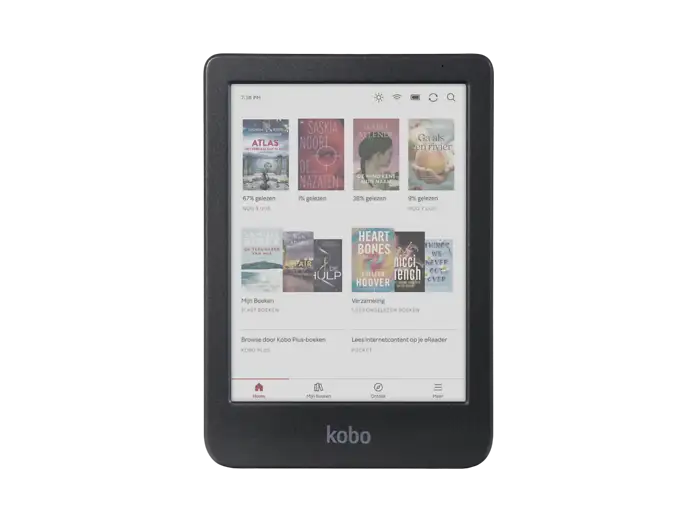
Scanning your library…
121 books found · 49 series found
- Reading library121 books
- Detecting series49 series
- Checking for sequels74 missing
- Preparing recommendationsAlmost done
Scan results
Example results - not from a real device.
Choose a better cover.
Find an alternative or upload your own. Your choice is saved in Kobbie. Sending it to a supported Kobo is an optional extra, with a preview and backup.
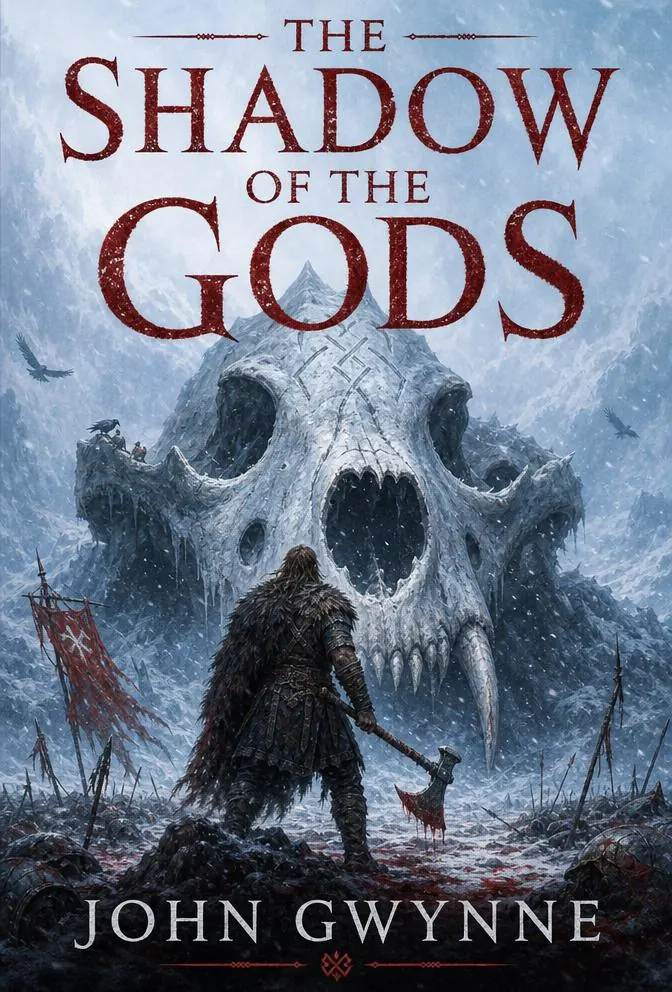
- You pick which books to fix.
- Written from your browser, no app needed.
- Originals are backed up so you can undo.
Your ebook files stay private.
- Your ebook files are not uploaded to Kobbie.
- Scanning does not change your books.
- Changes sent to a Kobo are optional, with your approval and a backup.
Start using Kobbie for free
Scanning, your library, release alerts and your first three covers on the Kobo are free. Plus is $14.99 a year: send your chosen covers to your Kobo and re-run Organise whenever your library changes.
Start with a free library organisation. Plus keeps your growing collection organised and helps you choose what to read next.
Kobbie Free
See what's missing for free
$0
Scan your Kobo, see your books and series, and find what's missing. No card needed.
- Unlimited Kobo scans
- Your first library organisation
- See series order and missing books
- Fix book details yourself
- Choose and save covers
- Send 3 custom or official covers to your kobo
- Follow any series for release alerts
- Wishlist and Discover
Kobbie Plus
Keep your growing library organised
$14.99 / year
Organise new additions, find your next read and send chosen covers to supported books on your Kobo.
- Unlimited cover sends to your Kobo
- Everything in Free
- Organise again any time
- Ask Kobbie to help choose your next book
- Let Kobbie identify hard-to-match books
- Automatic Kobbie's suggestions
- Book suggestions based on what you read
Planned for Plus
- Send corrected titles and collections to your Kobo
Kobbie Plus renews yearly and can be cancelled at any time.
Built with the book-data ecosystem
$3 from every annual Kobbie Plus subscription is reserved for the community data sources Kobbie relies on. Instead of splitting it arbitrarily, we use Kobbie's own provenance data to divide the pool by each source's measured contribution to the book knowledge behind Kobbie.
How it worksQuestions
Which devices and browsers can I use?+
Connect your Kobo over USB using desktop Chrome or Edge. You can browse your saved library on mobile. Dropbox can import self-added book files, but does not provide Kobo reading progress or device writes. Nothing to install.
What does Kobbie read from my Kobo?+
Kobbie reads library details and, where available, reading progress. It may inspect book files locally to identify them. Your e-book files, book text, highlights and annotations are not uploaded.
Do my e-book files leave my computer?+
No. Your e-book files stay on your computer. Kobbie reads only the metadata it needs to analyse your library.
What is included for free?+
Unlimited scans, your saved library, your first successful Organise result, manual book corrections, reading stats, cover choices, Wishlist, Discover and unlimited series follows for release alerts. Free also includes three cover sends to supported Kobo books. No card needed.
What do I get with Kobbie Plus?+
For $14.99 per year, organise again as your library grows, review matching suggestions, investigate hard-to-match books and get personalised recommendations with Ask Kobbie. Plus includes unlimited cover sends to supported Kobo books. The same device safety checks apply to every plan.
What does the first free organisation include?+
Each account gets one successful, saved Organise result. Failed or interrupted runs do not use it up. Running Organise again requires Plus; scanning, browsing your saved library and correcting book details yourself remain free.
Why is Kobbie Plus a yearly plan instead of a one-time payment?+
Kobbie Plus uses ongoing cloud services and external data providers, so an annual plan keeps the product sustainable without pretending one payment can fund those costs forever. Scanning and your saved library stay free.
What is saved in Kobbie and what changes on my Kobo?+
Your library, book details and cover choices are saved in Kobbie. Scanning does not change your Kobo. Sending a supported change to it is optional and separate, with a preview, your approval and a backup.
Does Kobbie work with Kobo purchases and self-added books?+
Both can appear in your scanned library. Device changes have different limits: supported self-added books may be eligible, while protected Kobo Store books are excluded from writes unless their adapter is supported. Kobbie checks each book before offering a change.
Can Kobbie fix messy author names, titles and series?+
Yes, in your saved Kobbie library. It checks book details and puts recognised series in order. You can correct a book yourself or review an uncertain match. Changing files on the Kobo is an optional controlled preview for eligible self-added books.
Can I choose my own covers?+
Yes. Choose and save covers in Cover Studio for free. Sending them to your Kobo is separate: Free includes three cover sends and Plus has no cover allowance limit. You need a supported desktop browser, a connected Kobo and eligible books. Unsupported books stay unchanged.